
Apps That Block Social Media Until You Exercise (2026)
Apps that lock Instagram or TikTok until you walk or work out — step unlock vs exercise unlock, how to pick one, and a goal that won't get deleted.
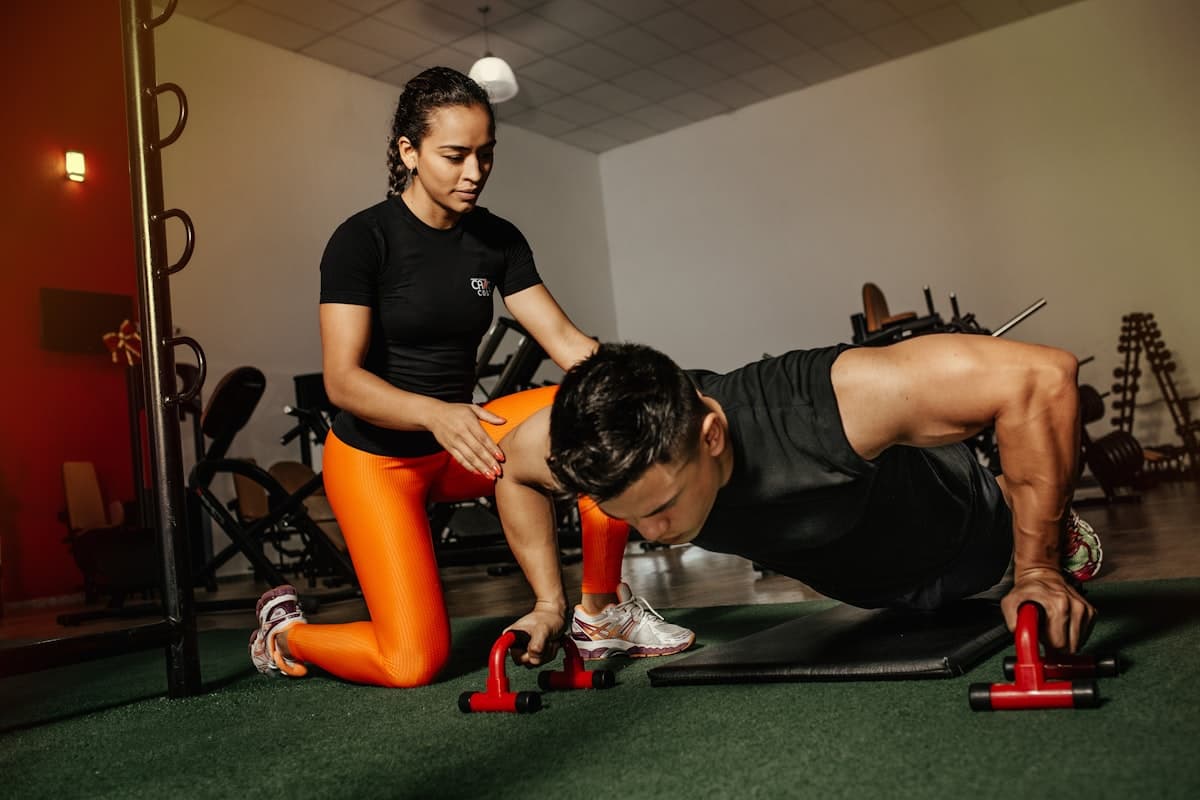
Most app blockers ask for self-control. The interesting category does the opposite: it blocks social media until you exercise (or walk), then unlocks automatically when the goal is hit.
That is a different product than "mute notifications" or "set a one-hour limit." The feed stays closed until your body pays the price. If you have been searching for an app that blocks social media until you walk or until you do push-ups, you are in the right lane.
This guide covers how the category works, the two main designs (step unlock vs rep unlock), what to look for on iPhone vs Android, and how to set a goal you will not hate by day three.
Why "Block Until You Move" Beats Another Screen Time Limit
Classic Screen Time limits fail for a predictable reason: the escape hatch is a button. Ignore Limit, Enter Passcode, Ask For More Time. When you are tired, the button wins.
Movement-gated blockers change the currency:
- You pick the apps that steal your evenings (usually Instagram, TikTok, YouTube, Reddit, X).
- You set a daily movement requirement.
- Those apps stay shielded until the requirement is met.
- Hit the goal and they unlock for the rest of the day (or you earn a time balance, depending on the app).
The psychology is simple. Opening the feed stops being free. You still get the apps. You just buy them with walking or exercise instead of guilt.
If your problem is specifically endless feeds, also read how to stop doomscrolling and apps that block social media until you walk.
Two Designs: Steps vs Camera Exercise
| Approach | How unlock works | Best for | Watch-outs |
|---|---|---|---|
| Step / move unlock | Apple Health (or similar) counts steps, distance, or move points. Hit the daily goal → apps unlock. | People who want all-day movement, walks, commuting steps | Need a realistic daily goal |
| Rep / camera unlock | Phone camera verifies push-ups, squats, planks, etc. Earn minutes per rep. | People who like short workout bursts before scrolling | Needs camera permission; usually Android-heavy |
| Hybrid time bank | Movement earns a balance of screen minutes you spend down | Users who want paced scrolling after earning | More complex rules to configure |
Neither design is morally superior. Pick the one you will still use on a bad Tuesday.
Step unlock (walk to open apps)
This is the WalkBlock model and several iOS peers: select apps, set a step goal, sync with Apple Health, unlock when you hit the number. No posing for a camera. Your morning walk, errands, and lunch loop all count.
Strengths:
- Low daily friction once configured
- Uses movement you already do (or should)
- Hard to "cheat" without literally walking
- Clean fit with iPhone Screen Time / Family Controls style blocking
Exercise unlock (reps for reels)
Common on Android: open Instagram → overlay → do push-ups in front of the camera → earn minutes. Great if you want strength work attached to scrolling.
Strengths:
- Clear workout stimulus
- Short sessions feel game-like
- Good for people who hate long walks but will do 20 push-ups
Tradeoffs: camera permission, form detection quirks, and the habit becomes "workout then binge" unless you also cap the earned minutes.
What to Look For in an App That Blocks Social Media Until You Exercise
Real system blocking
Prefer blockers that use the platform's official controls (on iPhone, Screen Time / Family Controls style APIs). Soft overlays you can swipe away are toys.
Honest unlock conditions
The unlock should require measured movement, not a self-report checkbox. Steps via HealthKit or verified reps beat "I pinky promise I stretched."
A goal you can finish
An app that demands 15,000 steps on day one will get deleted by Friday. Start at a number you already hit on an average day, then raise it weekly. Practical ranges are discussed in how many steps to unlock your phone.
Privacy that matches the pitch
Step data should stay on device when possible. Camera exercise apps should process poses locally if they claim privacy. Read the privacy page before granting Access to everything.
Escape hatches you understand
Emergency unlocks exist for a reason (travel, 2FA, kid emergencies). Know whether yours is limited, logged, or unlimited. Unlimited emergency unlock is just Ignore Limit with extra branding.
iPhone Options in This Category
The iPhone lane is mostly walk / move to unlock:
- WalkBlock — Block the apps you choose until you hit a daily step goal. Apple Health steps, Screen Time shields, widget for how far you have left. Built for the "earn the feed" habit.
- Other App Store apps in the same family use similar step or move-point goals (names rotate as new ones launch). Compare on: goal flexibility, Strict Mode, widget, and whether unlock is all-or-nothing for the day vs a spendable minute bank.
If you want the conceptual difference between Apple's built-in timers and step gating, see screen time limits vs step goals.
Android Options in This Category
Android has more camera exercise blockers (push-ups, squats, planks to earn minutes) plus some step-based tools. When comparing:
- Which apps can actually be blocked?
- Is Accessibility Service explained clearly (required for many Android blockers)?
- Can you bank too much time and binge anyway?
- Does pose detection work in low light?
Android users who primarily want walking can still use step-based rules where available. The principle stays the same: no free social apps until the body moves.
How to Set It Up So It Sticks
Week 1 setup checklist
- Pick two apps max (the ones that own your Screen Time chart).
- Set a step or exercise goal you already hit 4 days a week.
- Turn on the block before your usual danger window (evening, bedtime).
- Keep Maps, banking, messaging, and 2FA apps unblocked.
- Take a baseline Screen Time screenshot.
Week 2 to 4
| Week | Adjustment |
|---|---|
| 2 | Add one more app only if week 1 felt easy |
| 3 | Raise the step goal by 500 to 1,000 (or add 5 reps) |
| 4 | Protect mornings: no unlock until the goal is hit |
Pair with a bedroom charging rule. The blocker handles the apps. The charger handles the cue.
WalkBlock's Take on Exercise-Gated Social Media
WalkBlock is intentionally boring in the best way: pick apps, pick steps, walk, unlock. No camera yoga. No streak theater required to make the core loop work.
It is for people whose "exercise" can start as walking. If you later want gym sessions on top, great. The first job is stopping free access to the apps that erase your evening.
Related reads: earn screen time by walking and stop scrolling in bed with a morning walk.
Common Questions
Is there an app that blocks social media until you exercise?
Yes. Some unlock after a daily step or move goal. Others unlock after camera-verified reps like push-ups. Both exist; availability differs by iPhone vs Android.
What is the best app that blocks Instagram until you walk?
On iPhone, look for Screen Time based blockers tied to Apple Health steps. WalkBlock is built for that exact job. Compare Strict Mode, widgets, and whether you can set a realistic goal.
Do these apps work better than Screen Time limits?
Usually yes for heavy scrollers, because unlocking requires movement instead of tapping Ignore Limit. They are worse if you configure an impossible goal and rage-delete the app.
Can I still use my phone for useful apps?
Yes. Block only the feeds that waste time. Leave tools, maps, and communication alone unless you have a specific reason not to.
How many steps should I require to unlock social media?
Start where you are. Many people begin between 3,000 and 8,000 steps depending on baseline. Raise the number after you can hit it most days. Details in how many steps to unlock your phone.
Bottom Line
Apps that block social media until you exercise work because they replace a popup with a physical price. Choose step unlock if you want all-day walking. Choose rep unlock if you want short workouts before scrolling. Configure a humane goal, block only the apps that matter, and give it two weeks before you judge the category.
Ready to try the walk-to-unlock version on iPhone? Download WalkBlock.
You might also like
- Walk to Unlock Apps Compared: WalkBlock vs Steppin vs brb (2026)Comparing WalkBlock, Steppin, and brb: daily step unlock vs minutes-for-steps, pricing posture, and which walk-to-unlock app fits your habit.
- Earn Screen Time by Walking: Does It Actually Work? (2026)Earning screen time with steps turns your feed into a reward instead of a rule. Here's why conditional access outlasts restriction, and what to expect week by week.
- Block TikTok Until You Walk: Step-Gated Screen Time on iPhoneHow to lock TikTok behind a daily step goal on iPhone, close the YouTube Shorts loophole, and pick a walk-to-unlock blocker that sticks past week one.