
How Much Time Does the Average Person Spend on Their Phone? (2026)
US adults average about 4 to 5 hours a day on phones. Here is what that adds up to in a year, a decade, and a lifetime, plus how to cut it without willpower.
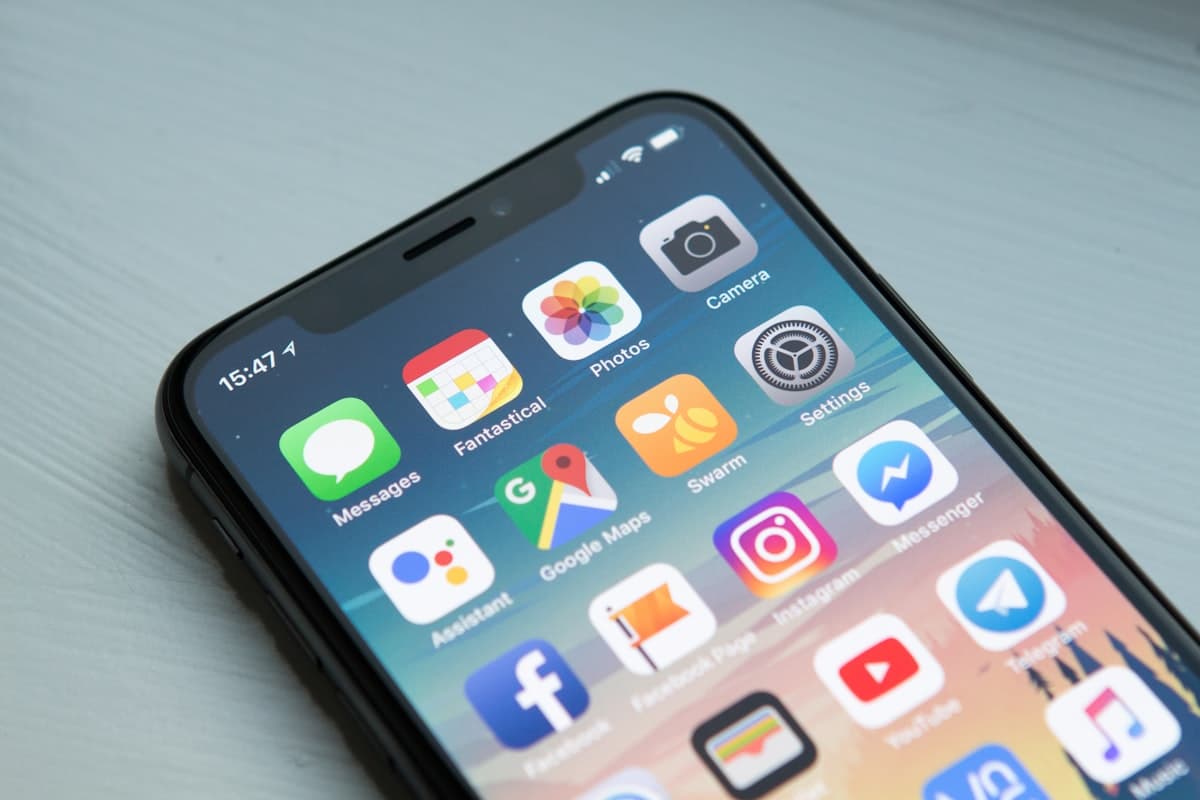
The short answer is ugly: most US adults spend about 4 to 5 hours a day on their smartphone. That is not "all screens" (TV, laptop, tablet). That is the thing in your pocket.
Multiply it out and the number stops feeling abstract. Five hours a day is 76 full days a year staring at a phone. Over a decade that is more than two years of waking life. The average person does not "overuse their phone a little." They run a part-time job for apps they would never hire themselves to do.
This guide breaks down the average phone screen time numbers for 2026, what they mean in years and lifetimes, how pickups make the problem worse than the clock alone, and what actually reduces the hours without relying on another ignored Screen Time limit.
Average Phone Screen Time in 2026
Across recent consumer research (eMarketer, DataReportal/GWI-style panels, and digital wellness summaries), a consistent band keeps showing up for US adults:
| Scope | Typical daily average |
|---|---|
| Smartphone only | 4 to 5 hours |
| All screens combined | Roughly 6 to 7+ hours (higher if work screens are included) |
| Social apps share of phone time | Often around 2+ hours |
Treat any single "exact" figure with skepticism. Methodologies differ (active use vs unlocked time, leisure vs work, self-report vs device logs). The useful takeaway is the range: most adults live in the multi-hour zone, and the trend line has been up, not down.
Teens and Gen Z usually sit higher than the adult average. If your household includes teenagers, the phone is often the largest block of leisure time in their day.
How many times do people check their phone?
Hours are only half the story. Pickup counts matter because each unlock restarts attention.
Widely cited smartphone behavior studies put average daily pickups in the 100 to 150+ range for adults, with younger users often higher. That is a check every few waking minutes. Even if each glance is "just a second," the cognitive tax is constant: context switch, reopen the task, lose the thread.
If you only remember one diagnostic from this article, make it this: open Settings → Screen Time (iPhone) or Digital Wellbeing (Android) and write down (1) daily average and (2) pickups. Your personal number beats any national average.
The Jaw-Dropping Math: Hours to Years
Assume a mid-range adult average of 4.5 hours/day of phone use.
| Timeframe | Phone hours | Rough equivalent |
|---|---|---|
| 1 week | 31.5 hours | Almost a full-time work week |
| 1 month | ~135 hours | More than 3 full-time weeks |
| 1 year | ~1,643 hours | ~68 full days (24h days) or ~205 waking days at 8h/day |
| 10 years | ~16,425 hours | ~1.9 years of continuous time |
| Ages 20 to 60 (40 years) | ~65,700 hours | ~7.5 years continuous, or ~22 years of 8-hour days |
That last row is the one that usually lands. From early adulthood to retirement, phone-level usage can consume a multi-year stretch of waking life. You do not need a moral panic about phones to find that ratio uncomfortable.
Social media alone often eats roughly half of phone time for heavy users. Two hours a day of feeds is a month of calendar time per year.
Why Average Phone Time Feels Worse Than It Looks
Four hours does not feel like four hours when it is shredded into fragments.
Micro-sessions hide the total. Thirty seconds at a red light, two minutes in line, twelve minutes in bed. The Screen Time report is the only honest ledger.
The worst hours are usually the soft ones. Late night scrolling and morning reach-for-the-phone sessions steal sleep and daylight focus more than a lunchtime map check.
Work and leisure blur. Messages, email, Slack, and "quick research" inflate totals. That does not make the leisure half free. It means the phone is the default surface for everything.
Limits rarely hold. Apple Screen Time and Android app timers are easy to dismiss with Ignore Limit. Averages stay high because the override is free.
If you want a deeper fix list for the scroll loop specifically, see how to stop doomscrolling.
What "Too Much" Phone Time Actually Means
There is no universal healthy number. A delivery driver navigating all day is not the same as someone watching three hours of short video in bed.
Use outcomes instead of purity tests:
- Are you sleeping less because of the phone?
- Do mornings start with a feed before water, light, or movement?
- Can you sit through a meal, commute, or wait without unlocking?
- Do you feel behind on walks, hobbies, or people you care about?
If the answers sting, your average is already too high for your life, regardless of the national 4 to 5 hour band.
How to Cut Average Phone Hours Without Willpower
Motivation fades. Friction sticks. Rank interventions by how hard they are to bypass when you are tired.
1. Measure one honest week
Do not change anything for seven days. Screenshot Screen Time daily. Note which apps own the chart. You cannot beat a number you refuse to look at.
2. Kill the bedroom cue
Charge outside the bedroom. Buy a $10 alarm clock if you need one. This single move attacks the two highest-damage sessions: night scroll and morning scroll.
3. Gate the worst apps behind a real cost
Screen time limits ask you to obey a popup. A better design asks you to earn the app. Apps like WalkBlock block the apps you choose until you hit a daily step goal through Apple Health, then unlock them automatically. The override is walking, not tapping Ignore.
That approach pairs especially well if your top time sinks are Instagram, TikTok, YouTube, or similar. More on that pattern in earn screen time by walking and screen time limits vs step goals.
4. Delete the app, keep the browser
Painful for a day, clarifying after a week. Browser versions are usually worse products on purpose. That is a feature.
5. Replace the first ten minutes
If your average is high, the first unlock of the day often sets the tone. Put shoes by the phone charger. A short walk before feeds changes the math faster than another productivity podcast.
A Simple Target If Your Average Is 4 to 5 Hours
You do not need to go cold turkey to zero.
A realistic first month:
| Week | Goal |
|---|---|
| 1 | Measure only |
| 2 | Bedroom phone ban + identify top 2 apps |
| 3 | Block those apps behind a step goal or delete them |
| 4 | Cut daily average by 30 to 60 minutes vs week 1 |
A one-hour daily cut is 15 days of life per year returned. That is the kind of ROI people chase with productivity systems, available from walking past the Ignore Limit button.
Common Questions
How much time does the average person spend on their phone per day?
For US adults in recent 2024 to 2026 summaries, the common range is about 4 to 5 hours per day on smartphones specifically. Total screen time across all devices is higher.
How much phone time is normal?
"Normal" is not the same as healthy. Being near the national average still means multiple hours a day. Use your Screen Time report and life outcomes (sleep, focus, mood) as the scorecard.
How many hours on your phone is too much?
If phone use regularly displaces sleep, movement, work deep focus, or relationships, it is too much for you. For many people that shows up somewhere past 3 to 4 leisure hours, especially at night.
How much time do people spend on social media daily?
Often around two hours in US and global digital reports, though it varies hard by age. For heavy users it can be most of their phone day.
Can walking really reduce phone time?
Yes, when walking is the unlock condition for the apps you overuse. It raises the price of opening the feed and adds movement you were going to postpone anyway. Start with a goal you can hit, then raise it. See how many steps to unlock your phone.
The Point
The average person spends enough time on their phone to qualify as a second job. You do not fix that with a stern talk. You fix it with measurement, environmental changes, and blockers that do not accept "Ignore Limit" as payment.
If you want the version where your worst apps stay locked until you walk, try WalkBlock on the App Store. Free to start on iPhone.
You might also like
- Walk to Unlock Apps Compared: WalkBlock vs Steppin vs brb (2026)Comparing WalkBlock, Steppin, and brb: daily step unlock vs minutes-for-steps, pricing posture, and which walk-to-unlock app fits your habit.
- Block TikTok Until You Walk: Step-Gated Screen Time on iPhoneHow to lock TikTok behind a daily step goal on iPhone, close the YouTube Shorts loophole, and pick a walk-to-unlock blocker that sticks past week one.
- App That Blocks Instagram Until You Walk (iPhone Guide, 2026)Want Instagram locked until you hit your steps? How walk-to-unlock blockers work on iPhone, what to set as a goal, and how to keep Stories from becoming a loophole.